> ## Documentation Index
> Fetch the complete documentation index at: https://docs.roster.today/llms.txt
> Use this file to discover all available pages before exploring further.
# Profile
> Your account settings.
### Update Avatar
To update your avatar go to edit profile option inside menu.\
You can choose from the added avatar illustrations or upload your custom avatar.
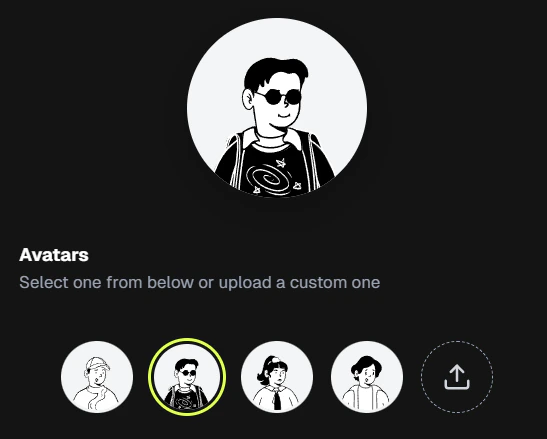 Click on the last icon, it will open the file browser, select your image and then click on Save Changes to upload set the image.
Avatar images should be less than 500kb and png or jpg format. Recommended to use a square image for best fit.
Uploading a new custom image will replace the previous custom image (if any), which is irreversible.
### Fixed Rules
* Your email is your **unique ID**
* Email cannot be changed
Click on the last icon, it will open the file browser, select your image and then click on Save Changes to upload set the image.
Avatar images should be less than 500kb and png or jpg format. Recommended to use a square image for best fit.
Uploading a new custom image will replace the previous custom image (if any), which is irreversible.
### Fixed Rules
* Your email is your **unique ID**
* Email cannot be changed